


8 products
-
Fenix Digital Sauna Control - FX45 208V/240V 45A WiFi Core 11/15 kW UL - S
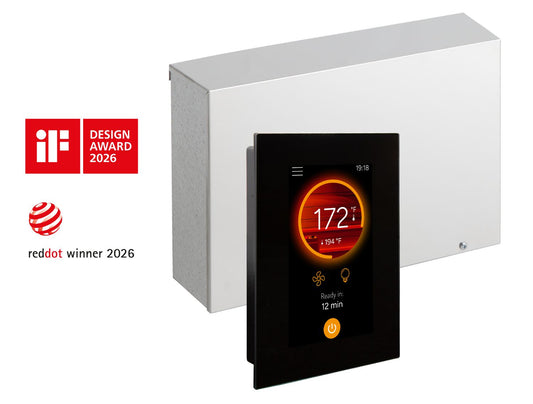
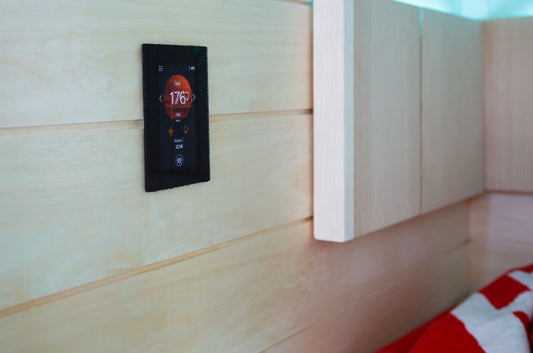 Vendor:Fenix Digital Sauna Control - FX45 208V/240V 45A WiFi Core 11/15 kW UL - SHarvia
- Regular price
-
$1,550.87 - Regular price
-
- Sale price
-
$1,550.87
Quick view
-
Harvia Fenix FX001XW Wifi Touchscreen Sauna Control Add-on Display - S
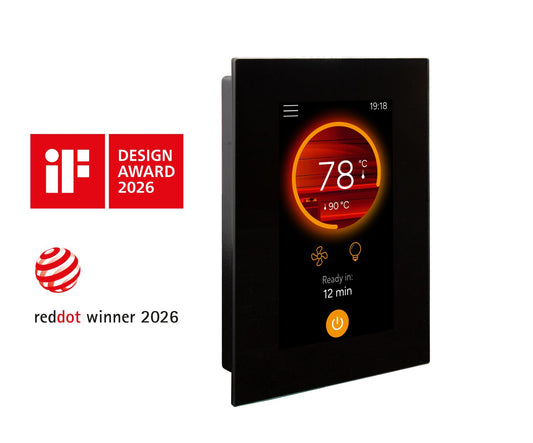
 Vendor:Harvia Fenix FX001XW Wifi Touchscreen Sauna Control Add-on Display - SHarvia
- Regular price
-
$666.00 - Regular price
-
- Sale price
-
$666.00
Quick view
-
Fenix Combi Sauna Control Unit - FX30C 208V WiFi Core 12.7 kW - S
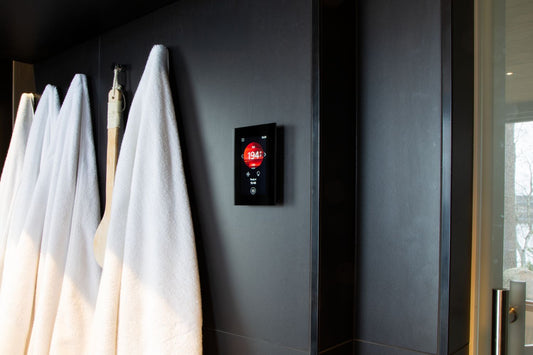
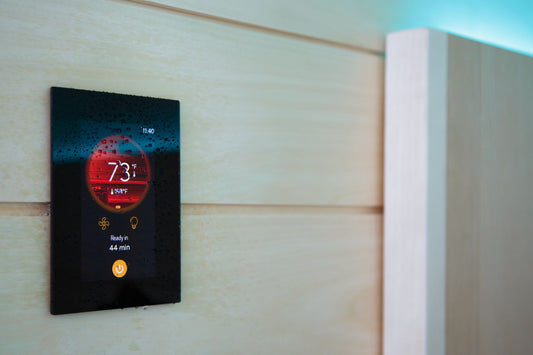 Vendor:Fenix Combi Sauna Control Unit - FX30C 208V WiFi Core 12.7 kW - SHarvia
- Regular price
-
$1,420.23 - Regular price
-
- Sale price
-
$1,420.23
Quick view
-
Fenix Combi Sauna Control Unit - FX30C 240V WiFi Core 10.8 kW - SVendor:Fenix Combi Sauna Control Unit - FX30C 240V WiFi Core 10.8 kW - SHarvia
- Regular price
-
$1,420.23 - Regular price
-
- Sale price
-
$1,420.23
Quick view
-
Fenix Digital Sauna Control - FX30 208V/240V 30A WiFi Core 7/10.5 kW UL - SVendor:Fenix Digital Sauna Control - FX30 208V/240V 30A WiFi Core 7/10.5 kW UL - SHarvia
- Regular price
-
$1,167.79 - Regular price
-
- Sale price
-
$1,167.79
Quick view
-
Harvia Xenio CX45-U1-U3-XW Digital Sauna Control with LTY45 Power Extension Box - S
 Vendor:Harvia Xenio CX45-U1-U3-XW Digital Sauna Control with LTY45 Power Extension Box - SSuperior Saunas
- Regular price
-
$1,891.93 - Regular price
-
- Sale price
-
$1,891.93
Quick view
-
Harvia Xenio 208V/3PH (Commercial Use) Digital Sauna Control with Wi-Fi - S

 Vendor:Harvia Xenio 208V/3PH (Commercial Use) Digital Sauna Control with Wi-Fi - SHarvia
- Regular price
-
$1,034.74 - Regular price
-
- Sale price
-
$1,034.74
Quick view
-
Harvia Xenio CX45-U1-U3-XW Digital Sauna Control - S

 Vendor:Harvia Xenio CX45-U1-U3-XW Digital Sauna Control - SHarvia
- Regular price
-
$1,291.93 - Regular price
-
- Sale price
-
$1,291.93
Quick view


Quick Answers
PRIMARY PURPOSE:
Find compatible Harvia accessories—especially controls—for Harvia heaters.
WHAT'S INCLUDED:
Harvia Xenio control panels and related components shown in the product grid.
HOW TO SHOP:
Match by heater model + electrical service (residential vs commercial/3‑phase) and confirm required power extensions.
RELATED HUBS:
Harvia Sauna Products · Harvia Electric · Heaters · Electric Sauna Heaters
WHAT HARVIA ACCESSORIES ARE FOR
Harvia accessories are the components that make a heater system usable day to day—especially the control layer. A compatible control panel sets temperature and time, supports safe operation, and (in some setups) enables remote start and scheduling through Wi‑Fi sauna controls. The key is compatibility: controls and power extension boxes must match the heater series and electrical service (for example, certain commercial installations use 208V/3‑phase configurations).
Control Panels, Power Extensions, and Why They Matter
Many Harvia heaters require a specific control type and, in some cases, a separate power extension box. Think of it as a simple system:
Control panel = the interface you use (temperature, time, session control)
Power extension box = the hardware that supports compatible higher‑output heaters and wiring requirements
Before you buy, confirm: heater model name + kW, voltage, and whether the install is residential or commercial. If you are still shopping for heaters, start at Harvia Sauna Products or Harvia Electric.
When to Choose Wi-Fi Sauna Controls?
If you want the sauna warming before you arrive home, look for Harvia Xenio configurations that include Wi‑Fi functionality. Always confirm local code requirements and safe-use guidelines for remote start functionality.
COMPATABILITY CHECKLIST:
-
Step 1: Identify heater model + kW (from the heater product page).
-
Step 2: Confirm electrical service (240V 1‑phase vs 208V/3‑phase where applicable).
-
Step 3: Select the required Harvia Xenio controls configuration.
-
Step 4: Add the required power extension box (if specified) and confirm sensor/installation notes.
For broader control browsing across brands, see Sauna heater controls and heater controllers.
RELATED COLLECTIONS:
- Harvia Sauna Products
- Harvia Electric
- Sauna Heater Controls
- Sauna Heater Controllers
- Electric Sauna Heaters
- Heaters
- Accessories
FAQs
Are Harvia controls universal?
No—Harvia Xenio controls and power extension components must match your heater model and electrical service. Always confirm compatibility on the product page.
Do I need a power extension box?
Some installations require a power extension component (like an LTY unit) depending on heater output and wiring requirements. Review the product listing and your heater manual.
Where can I shop Harvia heaters?
Start at Harvia Sauna Products, browse Harvia Electric, or compare all brands in Heaters.